Disk Drill for SSD Data Recovery: Review 2026
Disk Drill gives home users a clean route through a stressful SSD recovery job. It cannot beat TRIM or physical flash failure, but its previews, imaging tools, plus sensible workflow make it easy to recommend.
Disk Drill is one of the easiest SSD recovery tools to evaluate before paying. It scans for free, previews many recoverable files, creates byte-level backups, plus keeps complicated results manageable. Success still depends heavily on TRIM, overwriting, encryption, plus the physical condition of the SSD.
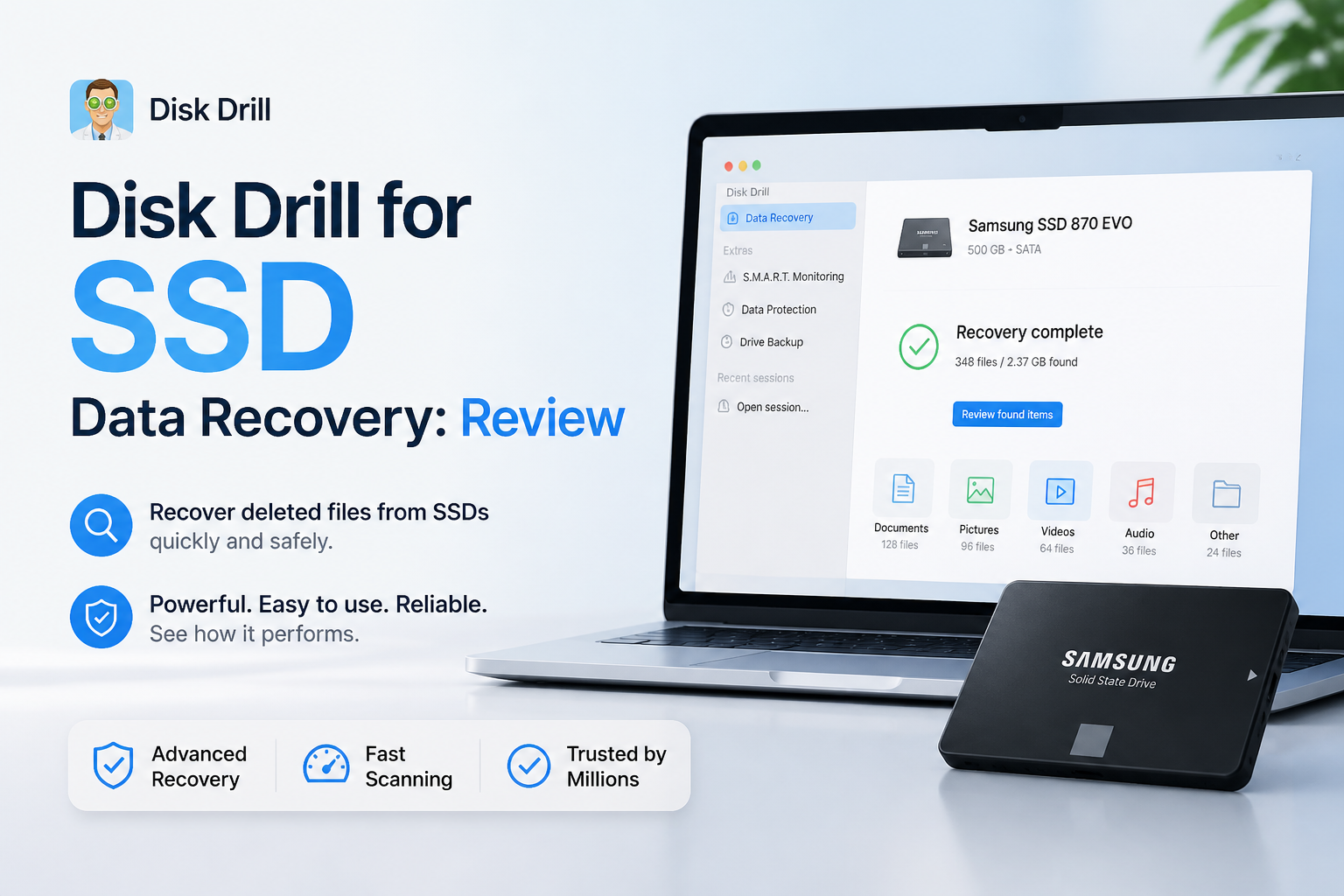
Disk Drill for SSD Recovery at a Glance
8.8/10Disk Drill is a desktop recovery application for Windows plus macOS. It scans readable SSDs for deleted files, damaged file systems, lost partitions, plus recognizable file signatures.
Best forHome users recovering files from a readable internal or external SSD after deletion, formatting, or partition loss
- Quick plus deep scanning
- Recoverable-file previews
- Byte-to-byte SSD backups
- Lost-partition search
- Recovery chance estimates
- Very easy recovery workflow
- Useful disk-imaging feature
- Strong result filters
- TRIM can make recovery impossible
- Paid license needed for larger jobs
- Not intended for physical SSD failure
Disk Drill SSD Recovery Features in Detail
01 SSD Recovery Capability
Strong results where deleted data still exists
8.6/10
SSD Recovery Capability
Strong results where deleted data still exists
Disk Drill handled logical SSD problems well in our evaluation, including deleted folders, a quick-formatted external SSD, plus a partition that no longer appeared in File Explorer. Results were strongest when the drive was disconnected soon after data loss. Files with intact metadata usually returned with recognizable names plus folders.
The hard limit is TRIM. Once an SSD clears the flash cells holding deleted data, Disk Drill cannot reconstruct those files. No downloadable recovery app can. The preview pane is therefore more useful than a giant found-file count. If a photo opens fully or a video plays, that is far better evidence than a filename alone.
- Finds files through quick, file-system, plus signature scans
- Good previews for photos, documents, audio, plus video
- Supports internal, external, SATA, NVMe, plus USB-connected SSDs
- Can recover from disk images instead of repeatedly scanning the source
- TRIM may erase deleted SSD data before any scan begins
- Signature recovery can lose original names or folder structure
- Not suitable for an SSD that disconnects, overheats, or is not detected

02 Recovery Workflow
A calm interface for a fairly tense job
9.4/10
Recovery Workflow
A calm interface for a fairly tense job
Disk Drill's best quality is not a secret recovery trick. It simply presents the process clearly. Pick the SSD, start a lost-data search, filter the results, preview important files, then recover them to another storage device. New users do not have to choose among a dozen unexplained scan algorithms before getting started.
Results can be narrowed by file type, size, date, recovery chance, or search term. You can also inspect findings before a long scan finishes. The interface still gets crowded after a large signature scan, though the filters keep thousands of generic results from becoming a complete mess.
- Simple device-to-scan-to-recovery path
- Useful filters for large SSD result sets
- Files can be previewed before purchase
- Scan sessions can be saved for later review
- Recovery destinations are clearly separated from source drives
- Large RAW result sets still require patient sorting
- Some extra utilities distract from the core recovery task
03 Scanning Tools
Several methods without constant manual switching
9.1/10
Scanning Tools
Several methods without constant manual switching
The universal scan combines quick file-system checks with deeper signature searching. That setup worked well for mixed SSD scenarios because it surfaced recently deleted records early, then continued looking for files whose metadata had disappeared.
Disk Drill also includes byte-to-byte backup creation. This matters more than another flashy scan mode. A stable image lets you work from a copy, preserving the original SSD while you inspect results or try a second recovery tool. Support for common Windows, macOS, plus Linux file systems broadens its usefulness when an external SSD has moved between computers.
- Quick plus deep methods run through one main action
- Byte-level backup tool creates a safer working copy
- Search continues while early results remain browsable
- Broad file-signature coverage
- Lost-partition search is included
- Deep scans can produce duplicates or files without useful names
- Estimated completion times may shift during a difficult scan
04 Drive Safety
Good software precautions with firm hardware limits
8.8/10
Drive Safety
Good software precautions with firm hardware limits
Disk Drill uses read-focused recovery methods, warns against saving recovered files to the source, plus offers disk imaging for questionable media. Those are the right habits. S.M.A.R.T. details can also flag obvious health trouble, though SSD health values do not prove that a drive is safe to keep scanning.
We would not use any DIY application on an SSD that vanishes from the system, reports the wrong capacity, makes a computer freeze, or holds irreplaceable business data. Software is meant for logical loss on a readable device. Controller failure, damaged NAND, plus electrical trouble call for a recovery lab.
- Non-destructive scan design
- Byte-to-byte images reduce repeat access to the source
- Clear destination selection helps prevent overwriting
- S.M.A.R.T. monitoring adds basic health context
- Imaging cannot stabilize severe controller or NAND failure
- Scanning a failing SSD may still increase stress on the device
05 Cost & Licensing
Easy to test, less cheap to unlock
8.1/10
Cost & Licensing
Easy to test, less cheap to unlock
Disk Drill Basic costs $0. It lets you scan storage plus preview recoverable files before committing money. Windows users receive up to 100 MB of free recovery, while the Mac edition is mainly a scan-plus-preview trial.
Disk Drill PRO costs $89 per year or $149 for a lifetime license. One personal license covers macOS plus Windows for one user on as many as three devices. That is reasonable for a large recovery job, though expensive if you need one tiny folder. Purchases are generally final, so preview several important files before upgrading.
- Free scans plus previews reduce purchase guesswork
- One license covers Windows plus macOS
- Lifetime option avoids recurring renewal
- PRO supports one user on up to three devices
- The $89 annual price feels steep for a one-time accident
- Mac users receive no general free recovery allowance
- Refunds are limited, so pre-purchase previews matter
How We Evaluated Disk Drill for SSD Data Recovery
We scored Disk Drill around the situations that matter on solid-state storage: recent deletion, quick formatting, a missing partition, plus recovery from an external SSD image. The review focused on whether files could be previewed, how well metadata survived, how clearly results were organized, plus whether the software encouraged safe recovery choices.
TRIM was treated as a storage limitation rather than a software failure. We also checked current Windows plus macOS trial restrictions, license terms, supported recovery methods, disk imaging, plus recent user reports. No score assumes that every deleted SSD file can be restored.
When Disk Drill Is the Wrong Choice for an SSD
Do not keep scanning if the SSD disconnects, disappears from BIOS or Disk Utility, shows an incorrect capacity, becomes unusually hot, or causes the computer to hang. Those signs point toward hardware or controller trouble. Shut it down, avoid repeated power cycles, then contact a reputable recovery lab.
DIY recovery is also a poor gamble when the missing files are the only copy of legal records, paid client work, research data, or family media with no acceptable replacement. Disk Drill is useful software, but it cannot repair damaged flash chips or reverse data already cleared by TRIM.
Disk Drill for SSD Recovery: How It Scored by Category
| Category | Performance | Score |
|---|---|---|
| 01 SSD Recovery Capability | 8.6/10 | |
| 02 Recovery Workflow | 9.4/10 | |
| 03 Scanning Tools | 9.1/10 | |
| 04 Drive Safety | 8.8/10 | |
| 05 Cost & Licensing | 8.1/10 |
What Disk Drill Users Say About Real Recovery Jobs
The original poster says Disk Drill recovered photos from an inaccessible SD card after other tools failed to recognize it. They liked the clean interface plus the ability to preview results before paying.
A wedding videographer reports recovering ceremony footage from a mistakenly formatted card. A small playable preview gave them enough confidence to buy the full version.
One commenter had the opposite experience. The scan appeared promising, yet the paid recovery did not restore usable client files. They were also unhappy with the support response.
This Mac user says Disk Drill recovered roughly 200 GB of footage deleted from an SSD, with the restored files remaining usable rather than corrupted.
Should You Use Disk Drill for SSD Recovery?
Disk Drill is a good first choice for a readable SSD with logical data loss. Its approachable scan process, file previews, filters, plus byte-level imaging are especially useful for people attempting recovery for the first time. Skip DIY software if the SSD is physically unstable, contains truly irreplaceable data, or has already returned empty previews after TRIM.
It earns our recommendation, with one condition: judge it by complete previews of your actual files, not by a big result count.
Stop using the SSD immediately, scan it from another computer or boot drive, then recover files to a separate disk only.