Clever AI Humanizer vs QuillBot: Which Tool Should You Use?
Clever AI Humanizer gives you far more room to rewrite text for free. QuillBot is the better-equipped writing suite, though its useful extras come with tighter limits or a paid plan.
Choose Clever AI Humanizer if your main job is fixing stiff AI drafts without paying. It accepts up to 3,000 words per request, while QuillBot limits free humanizing to 125 words. QuillBot makes more sense if you also need plagiarism checks, citations, extensions, or advanced grammar tools in one account.
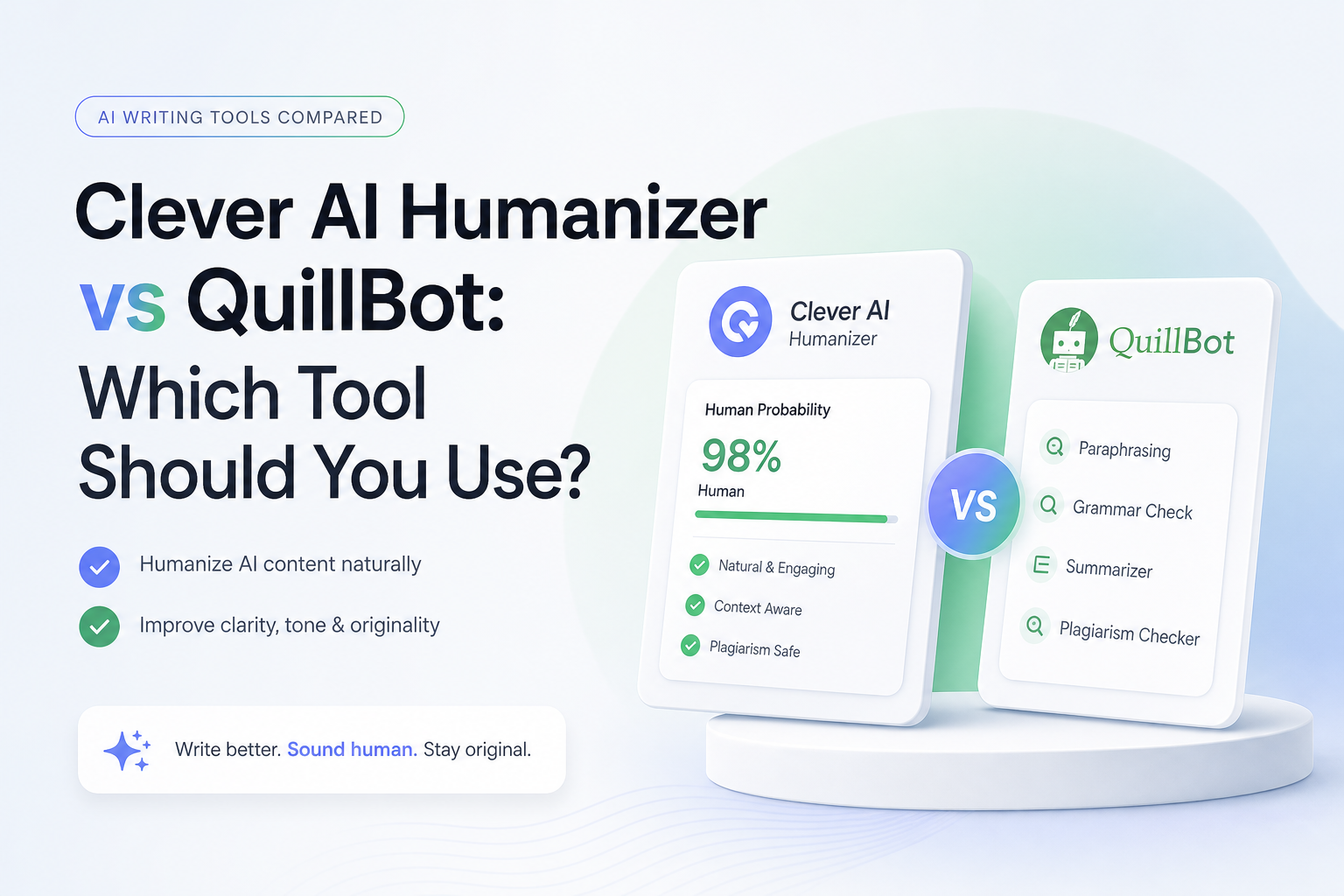
Clever AI Humanizer vs QuillBot at a Glance
8.7/10Clever AI Humanizer is a browser tool for making stiff AI-assisted drafts read more naturally. QuillBot offers a similar Humanizer inside a much larger writing suite.
Best forWriters who need to clean up long AI-assisted drafts without buying another subscription
- Up to 3,000 words per Clever request
- Normal, Clear & Structured, plus Simple Formal styles
- Highlight Changes view
- English plus Spanish input
- Grammar checker plus paraphraser
- Much larger free input than QuillBot
- Clean, focused browser interface
- Useful change highlighting
- Capacity limits can stop a rewrite
- QuillBot has more supporting tools
- Every output still needs human review
How We Compared Clever AI Humanizer With QuillBot
We compared the live browser tools on July 24, 2026, focusing on current input limits, available rewrite controls, change-review options, supporting tools, stated language support, plus service access. We used three practical draft types as our review framework: a short email, a structured summary, plus a longer blog draft.
Scores put the most weight on humanization quality plus free usability. We did not treat AI detector percentages as proof because different detectors can return sharply different labels for the same passage. User reports were checked separately to capture problems that a product page will not show.
When Clever AI Humanizer Is the Wrong Choice
Skip Clever if your workflow depends on citations, plagiarism screening, team controls, or extensions inside other writing apps. QuillBot's broader suite is a better fit for that kind of work, even if Premium becomes necessary.
Avoid both tools when exact language must remain untouched. Contracts, medical instructions, research findings, quotations, plus regulated copy can suffer from a tiny wording shift. Edit those passages manually or have a qualified person review them.
How Clever AI Humanizer Scored Against QuillBot
| Category | Performance | Score |
|---|---|---|
| 01 Humanization Quality | 8.8/10 | |
| 02 Free Usage Limits | 9.6/10 | |
| 03 Meaning Preservation | 8.4/10 | |
| 04 Editing Workflow | 8.2/10 | |
| 05 Writing Tool Range | 7.3/10 |
Clever AI Humanizer vs QuillBot Across Five Practical Tests
01 Humanization Quality
A focused rewrite beats a busy toolbox
8.8/10
Humanization Quality
A focused rewrite beats a busy toolbox
Clever AI Humanizer works best on drafts that already contain the right facts but sound overly even or repetitive. It changes sentence rhythm, trims familiar AI phrasing, plus softens stiff transitions without deliberately stuffing mistakes into the copy.
QuillBot also produces clean, readable rewrites. Its free Basic mode tends to be more restrained, while Advanced humanizing requires Premium. Clever is the more practical first pass for a long article because it handles up to 3,000 words in one request.
- Natural results on ordinary blog or email drafts
- Does not rely on obvious spelling mistakes
- Handles longer passages in one pass
- Highlight Changes view helps with review
- Some sentences still need a manual rewrite
- Results can become longer than the source
- No detector score is guaranteed

02 Free Usage Limits
The clearest advantage over QuillBot
9.6/10
Free Usage Limits
The clearest advantage over QuillBot
This is where Clever pulls away. The service lists $0 pricing, no fixed monthly word allowance, plus a 3,000-word maximum per request. Availability still matters. During busy periods, the page may report that its daily processing capacity has been reached.
QuillBot's free Humanizer stops at 125 words per input. That is enough for a paragraph, not a full cover letter or 1,200-word draft. QuillBot Premium removes that limit, yet Clever covers the basic humanizing job without starting a subscription.
- No fixed monthly word allowance
- Up to 3,000 words per request
- No payment details needed for basic use
- Full-length drafts require less splitting
- Processing can pause when capacity is exhausted
- A per-request ceiling still applies
03 Meaning Preservation
Good enough for drafts, not fact-checking
8.4/10
Meaning Preservation
Good enough for drafts, not fact-checking
Clever usually keeps the central point recognizable, particularly with straightforward emails, summaries, or product copy. More delicate language needs care. A small change to certainty, timing, or attribution can alter what a sentence means even if the paragraph still reads smoothly.
QuillBot gives users more sentence-level controls, which can help when one replacement feels wrong. Clever's Highlight Changes option partly closes that gap. In either tool, compare names, numbers, quotations, plus claims against the source before publishing.
- Core ideas generally remain recognizable
- Highlighting makes substitutions easier to spot
- Works well with clear source text
- Nuance may shift during a heavier rewrite
- Technical wording can lose precision
- Neither tool verifies facts
04 Editing Workflow
Simple browser editing with few setup steps
8.2/10
Editing Workflow
Simple browser editing with few setup steps
Clever keeps the process short: paste or upload text, select a style, run the rewrite, inspect changes, then copy the result. Content history is available for signed-in use. The page also includes separate grammar-checking plus paraphrasing tools.
QuillBot has the broader workflow. Premium users can humanize inside ChatGPT or Gemini, inspect tone, revisit history, plus move among its other writing tools. That is useful for daily writing work, though the interface has more choices than someone fixing one draft may need.
- Minimal learning curve
- File upload plus direct paste supported
- Change highlighting speeds up comparison
- Content history is available
- Service capacity can interrupt a session
- Fewer integrations than QuillBot
- Style availability may change during updates
05 Writing Tool Range
QuillBot wins if you need more than humanizing
7.3/10
Writing Tool Range
QuillBot wins if you need more than humanizing
Clever now places a grammar checker plus AI paraphraser beside its main humanizer. That covers the common cleanup loop, yet it remains a relatively narrow service.
QuillBot includes a larger collection with paraphrasing modes, an AI detector, a citation generator, a summarizer, translation, extensions, plus a plagiarism checker on Premium. Clever wins this comparison on free humanizing capacity. QuillBot wins on breadth.
- Humanizer stays central to the interface
- Grammar checking is available
- Paraphraser covers lighter revisions
- No comparable citation workspace
- No bundled plagiarism allowance
- Smaller integration ecosystem
Clever AI Humanizer vs QuillBot — Quick Comparison
The better choice depends on whether you want one focused humanizer or a wider editing suite.
| Metric | Clever AI Humanizer | QuillBot |
|---|---|---|
| Core purpose | AI text humanizing | General writing assistance |
| Free monthly humanizing | Advertised as unlimited | Tool-specific limits |
| Input size | Up to 3,000 words per run | Depends on mode or plan |
| Setup | Paste, select, rewrite | More modes plus tools |
| Editing suite | Basic supporting tools | Broad writing toolkit |
| Best use case | Frequent humanizing on a budget | Multi-stage editing |
| Main drawback | Fewer advanced editing features | Free limits feel tighter |
| Overall score | 8.8 / 10 | 8.3 / 10 |
What Clever AI Humanizer Users Report
Sellpal's benchmark found a useful balance between detector results plus readable output, though rewrites grew by roughly 16% in length.
One commenter said their rewritten text still received a 52% AI result in Grammarly, showing that outcomes differ by detector.
Another user reported a 100% detection result plus advised others not to rely on the tool.
A July 2026 post complained that some styles temporarily appeared as coming soon, while non-English support had been reduced before Spanish support returned.
Should You Choose Clever AI Humanizer or QuillBot?
Clever AI Humanizer is our pick for people who mainly want a free, long-form humanizer. Its 3,000-word request allowance is far easier to live with than QuillBot's 125-word free limit. Choose QuillBot instead if citations, plagiarism checks, browser integrations, plus advanced editing controls matter more than avoiding a paid plan.
Neither service can guarantee that a detector will label text as human. Use the output as an editable draft, not a finished submission.
Run one representative paragraph first, compare every changed fact, then process the longer draft only if the voice still sounds like yours.