Need a free AI text detector that can handle a whole article
Most free detectors accept a paragraph, not a real article. These four can handle longer drafts, though their limits plus result detail differ quite a bit.
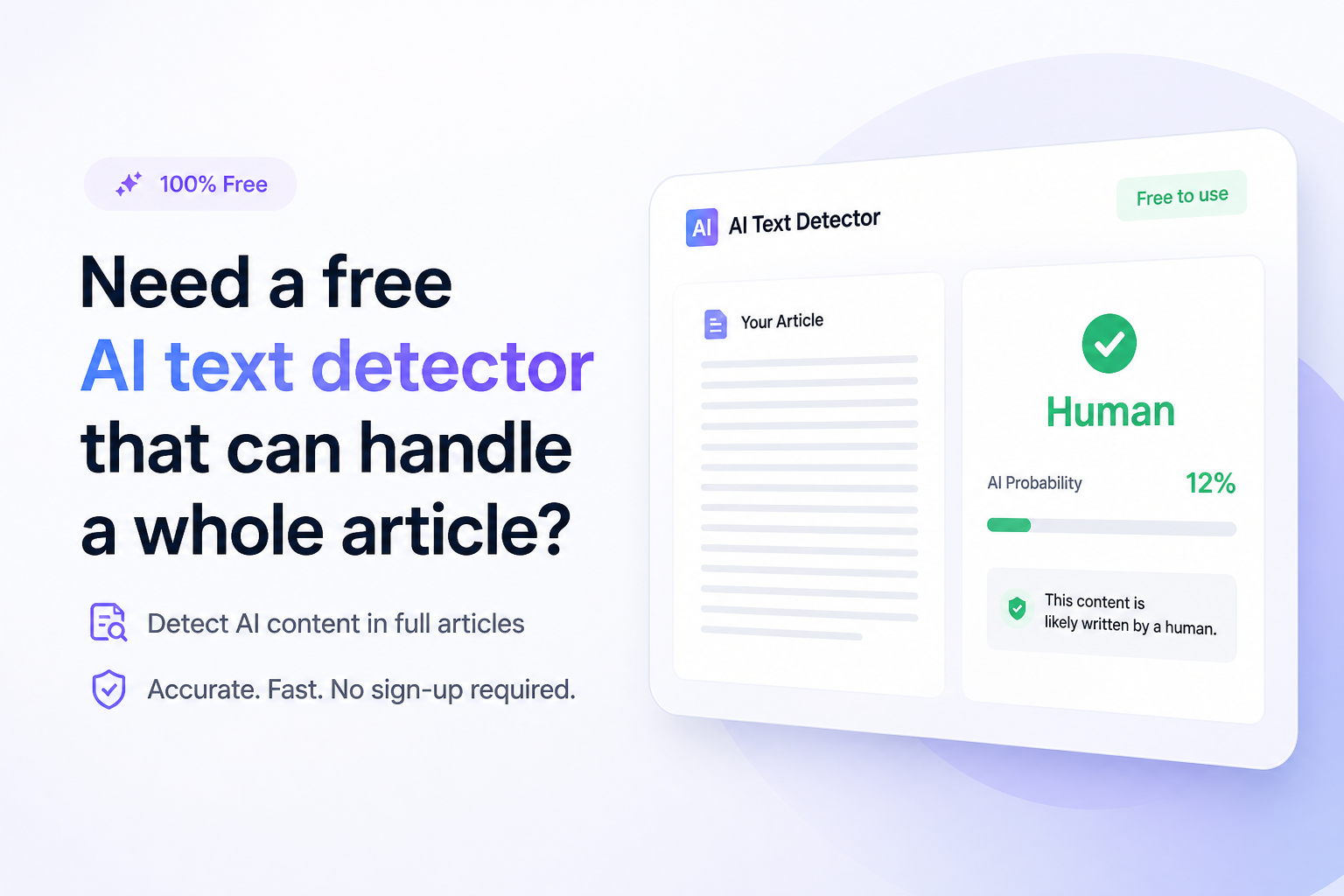
Clever AI Detector
9.2/10Best for: Writers, editors, or students checking a complete article without splitting it into small sections
- Handles up to 10,000 words per check
- Unlimited free scans
- Sentence-level signals are not paywalled
- No sign-up needed for a basic check
GPTZero
8.4/10Best for: Teachers or editors who want document uploads plus familiar sentence highlighting
- Supports pasted text plus file uploads
- Highlights suspected passages
- Includes mixed-text classifications
- Writing Replay offers added authorship context
Scribbr AI Detector
7.9/10Best for: Students checking short papers or article sections without creating an account
- Unlimited free checks
- No account required
- Clear 1,200-word limit
- Supports English, German, plus French
Free AI Text Detectors for Whole Articles Compared
The table compares free input capacity plus sentence-level feedback, the two details that matter most for long-form checks. Scores reflect editorial judgment based on article handling, free-use friction, result clarity, plus stated limitations rather than a universal accuracy benchmark.
| Tool | Free Input Limit | Sentence Detail | Price | Score |
|---|---|---|---|---|
| 1.Clever AI Detector PICK | 10,000 words | ● Yes | Free | 9.2/10 |
| 2.GPTZero | 10,000 characters | ● Yes | Free | 8.4/10 |
| 3.Scribbr AI Detector | 1,200 words | ● No | Free | 7.9/10 |
| 4.QuillBot AI Detector | 1,200 words | ● Yes | Free | 7.4/10 |
The 4 Best Free AI Text Detectors for Whole Articles, Reviewed
01 Clever AI Detector
Web app / CleverFiles
9.2/10
Clever AI Detector
Web app / CleverFiles
Clever AI Detector is the easiest fit for this particular job. Its free input box accepts 80 to 10,000 words, enough for most articles, long essays, reports, or substantial blog drafts. Checks are unlimited, with no paid tier blocking the detailed result.
The report provides an overall probability, confidence indicators, plus sentence-level signals. That last part is useful when a 3,000-word article receives a high score. Instead of guessing which passage caused it, you can review the marked sentences. English plus Spanish are supported.
The sensible wording also helped its ranking. Clever calls the result a probability rather than proof. Still, the tool is fairly new, so cautious users may want to compare a disputed score with another detector.
Best forWriters, editors, or students checking a complete article without splitting it into small sections
- Handles up to 10,000 words per check
- Unlimited free scans
- Sentence-level signals are not paywalled
- No sign-up needed for a basic check
- Shows confidence rather than a blunt verdict
- Supports fewer languages than some rivals
- An 80-word minimum makes tiny snippets unsuitable
- Newer service with less institutional history

02 GPTZero
Web app / Superhuman
8.4/10
GPTZero
Web app / Superhuman
GPTZero offers a more established review workflow, including pasted text, document uploads, sentence highlighting, plus optional writing-process tools. The public detector accepts 10,000 characters before it asks you to upgrade or create an account for a larger scan.
That character cap is less convenient than a word-based article limit. A typical long feature may need an account or several chunks. Results are easier to investigate than a simple percentage because GPTZero points to the phrases it considers suspicious.
Use it when document handling matters more than a frictionless anonymous check. Several advanced insights sit outside the basic free experience, so the free scanner can feel like an entry point rather than the full product.
Best forTeachers or editors who want document uploads plus familiar sentence highlighting
- Supports pasted text plus file uploads
- Highlights suspected passages
- Includes mixed-text classifications
- Writing Replay offers added authorship context
- Broad support for major AI model families
- Anonymous input stops at 10,000 characters
- Several deeper insights require an account or upgrade
- The interface contains many features beyond basic detection
03 Scribbr AI Detector
Web app / Scribbr
7.9/10
Scribbr AI Detector
Web app / Scribbr
Scribbr keeps the process simple. Paste up to 1,200 words, run the check, then review the classification. There is no required account, while the number of free checks is unlimited.
The drawback appears with a whole article. Anything beyond 1,200 words must be divided, which can change the context available to the classifier. A 3,600-word feature becomes three separate checks, making the combined result harder to interpret.
It remains handy as a second opinion. English, German, plus French support also gives it an edge for multilingual users, though a detector score should never become sole evidence of authorship.
Best forStudents checking short papers or article sections without creating an account
- Unlimited free checks
- No account required
- Clear 1,200-word limit
- Supports English, German, plus French
- Simple interface with little setup
- Long articles must be split into sections
- Less context is preserved across separate scans
- Does not establish who wrote a passage
04 QuillBot AI Detector
Web app / QuillBot
7.4/10
QuillBot AI Detector
Web app / QuillBot
QuillBot's free detector accepts up to 1,200 words per scan, with a stated allowance of six scans per day. That is enough capacity to process a medium article in sections, though it is not as smooth as one complete scan.
The result can separate human-written, AI-generated, AI-refined, plus mixed patterns. Free users receive one explainer card, which gives a little context about a flagged passage. Full-text explainers require Premium.
This option makes the most sense if QuillBot is already open for grammar or rewriting work. For repeated long-article screening, the daily cap plus section splitting become noticeable fairly quickly.
Best forQuillBot users reviewing a few article sections inside an existing writing workflow
- Clear 1,200-word allowance per scan
- Classifies AI-refined or mixed writing
- One explainer card is included free
- Fits neatly beside QuillBot writing tools
- Six daily checks may cover one medium article
- Free use is capped at six scans per day
- Detailed explainers require Premium
- Whole articles often need several submissions
How We Evaluated Free AI Detectors for Whole Articles
We focused on the practical problem in the brief: checking a complete article without paying. Each service was reviewed for its published free input limit, registration requirement, usage cap, result format, sentence-level feedback, supported languages, plus whether useful details were hidden behind an upgrade.
Capacity carried extra weight. A detector that accepts 10,000 words preserves far more article context than one requiring four or five separate submissions. We did not treat vendor accuracy claims as directly comparable because test sets, model versions, thresholds, plus definitions can differ.
How to Choose a Free AI Detector for a Long Article
Start with the article's word count. A 900-word post fits almost anywhere, while a 4,000-word guide rules out tools capped near 1,200 words unless you are willing to split it. Word limits are easier to judge than character limits since spaces plus punctuation consume characters too.
Next, look for highlighted sentences or probability ranges. A single document-wide percentage gives you little to investigate. Also check privacy terms before pasting unpublished reporting, client material, personal data, or confidential research into any web service.
Common Mistakes When Checking Articles With AI Detectors
The biggest mistake is reading an 80% score as proof that 80% of the article came from AI. Detector scores usually describe statistical resemblance, not a literal count of machine-written sentences. Different services may also produce sharply different verdicts from the same draft.
Avoid repeatedly rewriting honest work just to satisfy one checker. Save outlines, notes, source files, tracked changes, plus earlier drafts instead. Those records reveal the writing process far better than a classifier's probability.
Which Free AI Detector Should You Use for a Full Article?
Clever AI Detector earns first place because its 10,000-word free limit can hold a complete article while preserving sentence-level context. GPTZero offers a stronger document-review ecosystem, though its anonymous character limit adds friction. Scribbr or QuillBot work for shorter pieces, but longer drafts require section-by-section checks.Run the complete draft through Clever first, then check only disputed passages with a second tool while keeping revision history nearby.