I Tested Clever AI Detector—Here’s What Happened
Clever AI Detector gave me more useful context than a blunt red warning. Its free 10,000-word checks, sentence highlights, plus honest confidence labels make it unusually practical.
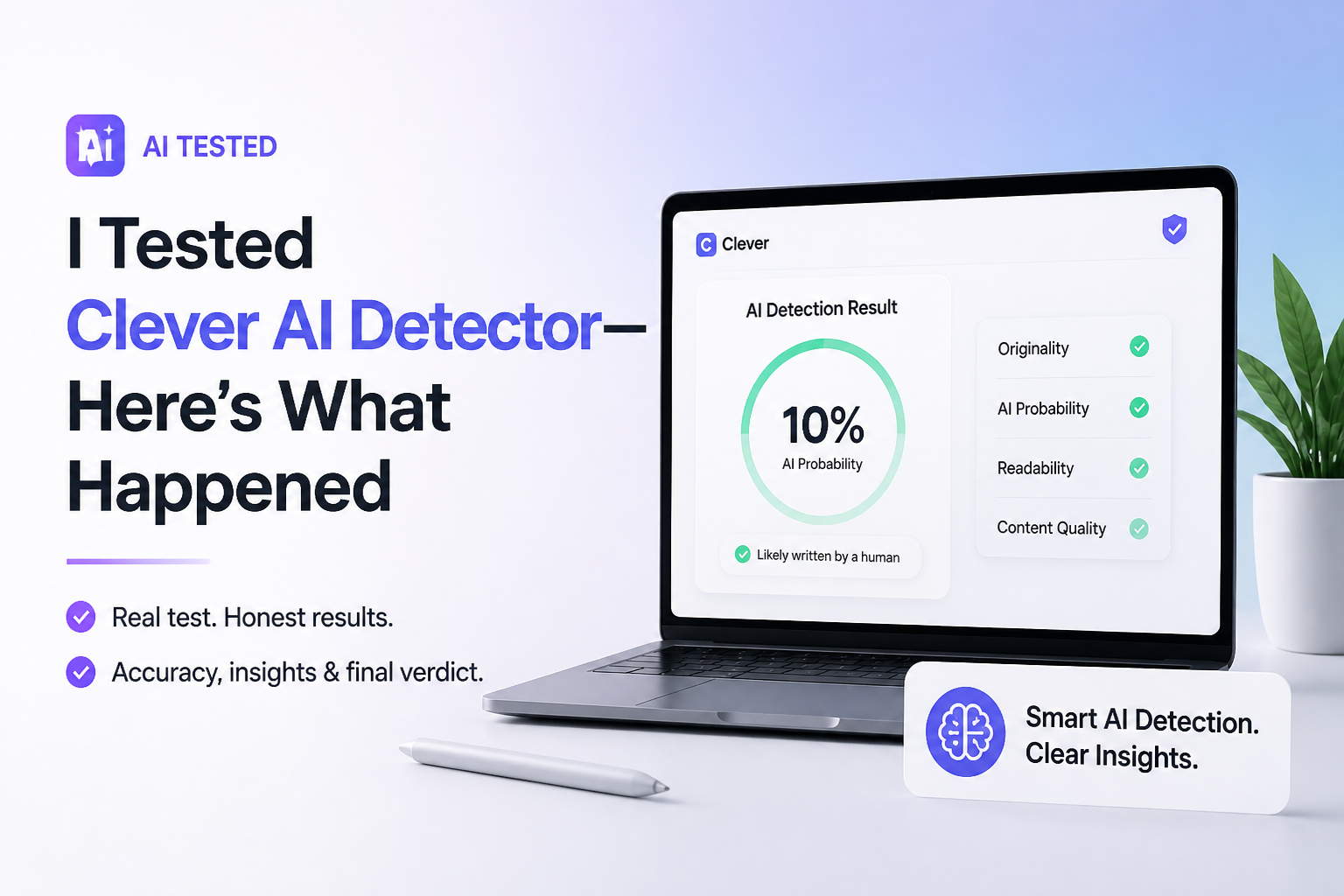
Clever AI Detector is one of the better free checkers I’ve tried. It accepts up to 10,000 words, identifies suspicious sentences, then frames its result as a probability rather than proof. I would use it to locate passages worth reviewing, not to accuse somebody of using AI.
Clever AI Detector at a Glance
8.9/10Clever AI Detector is a browser-based checker that estimates whether English text resembles AI writing. It returns an overall probability plus sentence-specific signals.
Best forEditors, writers, instructors, or teams that need a quick second opinion on longer English text
- 0 to 100 AI probability score
- Sentence-level text highlights
- Confidence indicators
- 10,000 words per check
- Optional check history
- Generous 10,000-word limit
- Clear probability-based reporting
- No paywall for detailed results
- English-focused detection
- Not suitable as proof of misconduct
- Short samples remain less dependable
Clever AI Detector Features and Test Findings
01 Detection Results
Convincing on longer English samples
9.1/10
Detection Results
Convincing on longer English samples
I checked several kinds of English prose, including untouched chatbot output, ordinary human drafts, polished business copy, plus AI text that had received a manual edit. Clever usually separated the obvious cases without reducing every polished paragraph to a scary binary label.
The harder material produced more nuanced scores. That was useful. A heavily edited passage may contain traces of both processes, so a cautious probability is more believable than a claim of perfect authorship detection. Clever’s published August 2026 benchmark also reports 96.7% detection across 600 AI-involved essays, though that company-run test covers academic English rather than every writing genre.
- Handled obvious AI passages confidently
- Produced more nuanced results on mixed writing
- Accepts long samples for stronger analysis
- Published benchmark includes difficult edited text
- Accuracy outside English academic prose is less established
- No detector result can prove who wrote a passage
02 Sentence-Level Analysis
The most useful part of the report
9.4/10
Sentence-Level Analysis
The most useful part of the report
A document-wide score tells you very little about what caused the result. Clever improves on that setup by marking individual sentences that carry stronger AI signals. I could scan the report, spot repeated sentence shapes or generic transitions, then return to the original draft with a specific editing target.
This is especially handy when a mostly personal draft contains one stiff paragraph. The highlights do not explain every linguistic feature in depth, but they turn the result into something you can inspect rather than blindly accept.
- Highlights suspicious sentences separately
- Makes revision targets easy to find
- Useful for mixed human-plus-AI drafts
- Keeps the original context visible
- Highlights can tempt users to rewrite solely for a lower score
- Limited technical detail about each trigger
03 Result Clarity
Probability shown without fake certainty
8.9/10
Result Clarity
Probability shown without fake certainty
Clever presents a 0 to 100 probability score with confidence information. More importantly, the page repeatedly says that a result is not proof. That wording matters because an 80% AI score does not mean a machine typed exactly 80% of the words.
The interface is easy to understand at a glance. My main complaint is that a large percentage still looks more definitive than it really is. Readers need to pay attention to the confidence language, sample length, plus sentence signals before drawing a conclusion.
- Plain probability-based result
- Confidence language adds needed context
- Avoids claiming 100% accuracy
- Report can be copied
- Percentage scores can still look overly exact
- New users may overlook the uncertainty warning
04 Everyday Workflow
Fast enough for routine editorial checks
8.6/10
Everyday Workflow
Fast enough for routine editorial checks
The basic process has almost no learning curve. Paste or upload the text, run the check, then inspect the overall score plus sentence-level signals. The input range starts at 80 words because very short snippets contain too little information for a meaningful estimate.
No account is required for a normal check. Creating a free account adds history, which is helpful if you want to compare an early draft with a revised version. English-only detection is the bigger workflow limitation for multilingual teams.
- No setup required
- Supports uploads or pasted text
- Optional history for repeat checks
- Up to 10,000 words in one run
- Requires at least 80 words
- Current language support is limited
05 Free Access
A genuinely generous no-cost tool
9.5/10
Free Access
A genuinely generous no-cost tool
Clever AI Detector costs $0. At the time of this review, the detector has no ads, no mandatory registration, no paid result screen, plus no stated cap on the number of checks. Each check can contain as many as 10,000 words.
Free access removes much of the friction found in competing checkers, where useful details appear only after a subscription prompt. Clever’s optional account is mainly for saving check history. The company does say free availability is subject to service availability, so I would not treat today’s pricing as a permanent promise.
- Full detector costs $0
- No signup needed for basic checks
- Unlimited runs are currently offered
- Sentence signals are not paywalled
- Optional free check history
- Free terms could change later
- No paid service tier with formal support commitments
How We Tested Clever AI Detector on Different Writing Styles
We used several English text types rather than testing one obvious chatbot paragraph. The group covered raw AI prose, manually written copy, formal business writing, edited AI output, plus human drafts polished with writing software. We focused on whether the broad result made sense, whether the sentence highlights were useful, how clearly uncertainty was explained, plus how much friction appeared in the workflow.
Scores also account for the product’s published August 2026 GEDE benchmark. That benchmark used 600 AI-involved student essays plus 150 human control essays. We treated those figures as supporting evidence, not universal accuracy claims, since the dataset represents one language plus one main genre.
When Clever AI Detector Should Not Make the Decision
Do not use one Clever score to punish a student, reject a freelancer, or accuse an employee. Formal human writing can resemble model output, while edited AI text can resemble ordinary prose. A detector sees patterns. It does not see who sat at the keyboard.
For consequential decisions, look at document history, citations, earlier drafts, assignment rules, plus a short conversation with the writer. The detector is most useful as a reason to inspect the work more closely, not as the final ruling.
Clever AI Detector: How It Scored in Our Review
| Category | Performance | Score |
|---|---|---|
| 01 Detection Results | 9.1/10 | |
| 02 Sentence-Level Analysis | 9.4/10 | |
| 03 Result Clarity | 8.9/10 | |
| 04 Everyday Workflow | 8.6/10 | |
| 05 Free Access | 9.5/10 |
Should You Use Clever AI Detector?
Clever AI Detector is easy to recommend as a free screening tool. Writers or editors can use its sentence highlights to find robotic passages, while reviewers can use the probability score as one clue among several.
Skip it if you need definitive proof of authorship, broad multilingual coverage, or a decision-making system for disciplinary cases. No text detector, including Clever, can safely provide those things on its own.
Check at least 250 words when possible, then compare the result with draft history, source notes, plus the writer’s explanation of their process.