Disk Drill Review for External Hard Drives and USB Flash Drives
Disk Drill makes a scary recovery job feel manageable, especially when a USB drive still appears in Windows or macOS. The preview-first workflow is useful, though the free limit plus strict refund terms deserve a close look.
Disk Drill is a practical first choice for deleted files, formatted USB sticks, RAW volumes, or external drives with logical damage. Its previews plus byte-to-byte imaging help you judge a recovery before paying. Do not use it on a drive that clicks, disconnects repeatedly, or disappears from Disk Management or Disk Utility.
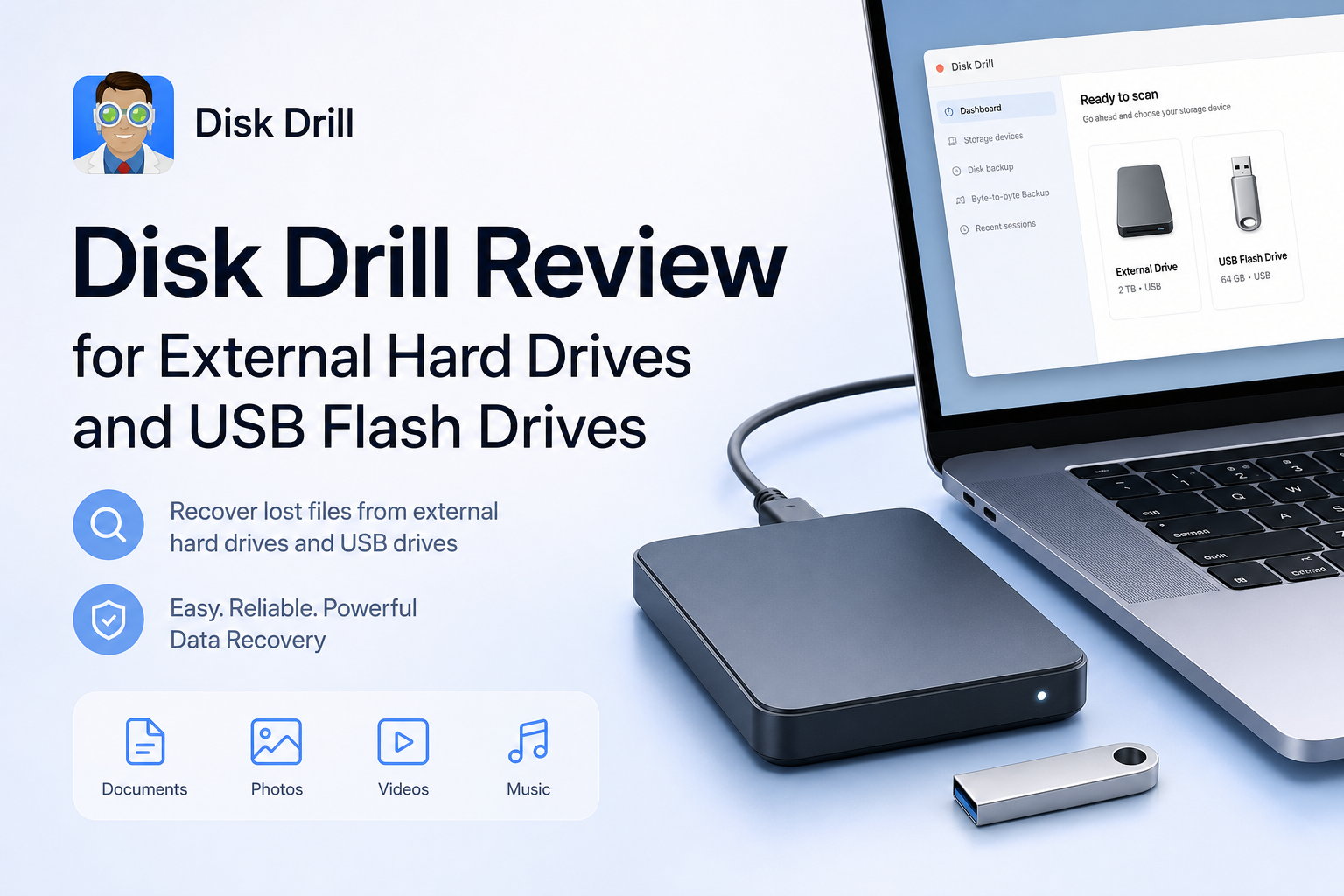
Disk Drill at a Glance
8.7/10Disk Drill is recovery software for Windows plus macOS. It scans external hard drives, USB sticks, memory cards, disk images, plus other storage for deleted or inaccessible files.
Best forHome users recovering files from a readable external HDD or stable USB flash drive
- Quick plus deep scanning
- RAW volume recovery
- Lost-partition search
- File previews plus recovery-chance ratings
- Byte-to-byte disk imaging
- Friendly scan workflow
- Broad storage support
- Useful disk imaging
- Strict refund policy
- 100 MB Windows free limit
- Long scans on large HDDs
How We Evaluated Disk Drill for External Storage Recovery
We focused on the workflow that matters for removable storage: drive detection, deleted-file scanning, formatted-volume scanning, file previews, result filtering, scan-session handling, plus recovery to a separate disk. Extra cleanup features carried little weight because they do not improve the odds of recovering a lost folder.
Scores also account for safeguards. We checked whether the app encourages previews before payment, offers disk imaging, keeps recovery destinations separate, plus explains the limits of software recovery. Pricing reflects the US plans listed in July 2026.
When Disk Drill Is the Wrong Choice for a Failing Drive
Do not keep scanning an external HDD that clicks, grinds, spins down, or disconnects every few minutes. The same warning applies to a USB stick that becomes unusually hot, changes capacity, or stops appearing in Disk Management or Disk Utility. Those symptoms point toward hardware trouble, not a deleted-file problem.
For irreplaceable files, a professional lab is safer than repeated home attempts. If the device is stable but has bad sectors, make one disk image first, then perform scans against that copy.
Disk Drill for External Drives: Scores by Recovery Category
| Category | Performance | Score |
|---|---|---|
| 01 External Drive Recovery | 9.2/10 | |
| 02 USB Flash Drive Results | 8.9/10 | |
| 03 File Preview Workflow | 9.1/10 | |
| 04 Drive Safety Tools | 8.6/10 | |
| 05 Cost and Licensing | 7.4/10 |
Disk Drill Performance on External Hard Drives Plus USB Drives
01 External Drive Recovery
Best with logical damage on readable hardware
9.2/10
External Drive Recovery
Best with logical damage on readable hardware
Disk Drill is at its best when an external HDD appears in the operating system but its files are deleted, its partition is missing, or the volume shows as RAW. The device list is easy to read, while the scan combines several recovery methods without forcing the user to choose a technical algorithm first.
Results can retain original names plus folder paths when enough file-system metadata survives. A signature-based deep scan may still find data after that metadata is gone, though the output can include duplicates, generic filenames, or files sorted only by type. Large external disks also require patience. A full scan of a multi-terabyte HDD may run for hours.
- Recognizes common external HDD file systems
- Can locate lost partitions plus deleted files
- Filters results by file type, size, date, or recovery chance
- Scan sessions can be saved for later review
- Deep scans of large disks can take hours
- Damaged file systems may produce duplicate or unnamed results
- Software cannot fix mechanical drive failure

02 USB Flash Drive Results
Good for deletion, formatting, or RAW volumes
8.9/10
USB Flash Drive Results
Good for deletion, formatting, or RAW volumes
USB flash drives are a comfortable fit for Disk Drill because FAT32, exFAT, plus NTFS media appear in the same device view as regular hard disks. It can search for files after accidental deletion, a quick format, a lost partition, or file-system corruption.
The main variable is flash wear. If a stick becomes hot, reports the wrong capacity, drops offline, or shows 0 bytes, repeated scans may make the situation worse. For a stable stick, create an image first. For unstable hardware, unplug it plus consider a recovery lab.
- Simple device selection for removable media
- Useful with formatted FAT32 or exFAT sticks
- Preview helps separate valid files from broken finds
- Supports disk-image scanning
- Folder structure may be lost after severe formatting
- Unstable flash hardware needs professional handling
- Recovered files require a different destination drive
03 File Preview Workflow
The best way to check before paying
9.1/10
File Preview Workflow
The best way to check before paying
Disk Drill lets you scan plus preview recoverable files before purchasing PRO. Photos usually provide the quickest reality check. Documents, audio, plus short videos can also be opened when the relevant preview component supports their format.
A working preview is a much better signal than a filename alone, but it is not an absolute guarantee for every large file. A video preview may use only a readable section. Check several important files from different folders, not just one thumbnail. Disk Drill also displays a recovery-chance estimate, which is helpful for sorting a crowded result list.
- Unlimited scanning before purchase
- Built-in previews for many familiar formats
- Recovery-chance labels speed up triage
- Search plus filters handle large result sets
- Not every format has an available preview
- One working preview does not prove every file is intact
- Deep-scan results can feel cluttered
04 Drive Safety Tools
Imaging matters more than the extras
8.6/10
Drive Safety Tools
Imaging matters more than the extras
The most valuable safety feature is the byte-to-byte backup tool. It copies readable sectors into a disk image, letting you scan the image rather than repeatedly stressing the original external drive. That approach is sensible for a drive with bad sectors that still reads consistently.
Disk health monitoring plus recovery-session saving are useful additions, though neither replaces a real backup. Never install Disk Drill onto the affected disk. Never restore recovered files back to that same device, since new writes can overwrite data that has not been recovered yet.
- Creates sector-level disk images
- Can scan an image instead of the original media
- Supports saved scan sessions
- Read-only recovery workflow is easy to follow
- Imaging needs free space equal to the source capacity
- A software image may stall on severely failing hardware
- Health data is limited on some USB bridge chips
05 Cost and Licensing
Fair choices with a strict refund policy
7.4/10
Cost and Licensing
Fair choices with a strict refund policy
Disk Drill Basic costs $0. On Windows, it can recover up to 100 MB, while scans plus previews remain available for evaluating larger jobs. Mac users can scan plus preview, though ordinary recovery generally requires PRO.
Disk Drill PRO costs $89 per year or $149 for a lifetime license. One license covers Windows plus macOS for one user on up to three personal devices. The annual plan renews automatically unless canceled. Purchases are generally non-refundable, so preview several priority files before paying.
- Free scans plus previews reduce guesswork
- One PRO license covers Windows plus macOS
- Lifetime option includes future Disk Drill upgrades
- Up to three personal-device activations
- Windows free recovery stops at 100 MB
- Mac offers no comparable general free-recovery allowance
- PRO purchases are generally non-refundable
What Disk Drill Users Report About External Storage
The poster said Disk Drill recovered photos plus fragmented videos from an inaccessible card, then also worked on a formatted USB flash drive. They liked the previews plus the simple scan flow.
A commenter reported paying after the scan appeared promising, only to find that the needed files were not recoverable. They were also unhappy with the support response plus annual billing.
The reviewer said Disk Drill recovered files from external hard drives plus SD cards after other recovery programs failed. Previewing files before restoration was a major positive.
A USB-stick user objected to the paid recovery requirement plus the final checkout cost. Their account also described computer trouble after leaving the software running overnight.
Should You Use Disk Drill for an External Drive?
Disk Drill is worth trying when an external hard drive or USB stick remains detectable but its files have vanished. The interface, previews, lost-partition search, plus disk imaging make it approachable without stripping away useful recovery options. Skip software experiments if the drive clicks, vanishes during use, reports zero capacity, or contains irreplaceable business data.
The price is reasonable for a successful recovery, though the refund policy leaves little room for a mistaken purchase. Treat the free scan as the real buying test.
Stop using the affected drive, create a byte-to-byte image if the hardware is stable, then preview several priority files before purchasing PRO.