PhotoRec Review 2026: Pros, Cons and Alternatives
PhotoRec can carve files from damaged storage without charging a cent. The catch is a messy pile of renamed results, limited control, plus a workflow that feels rough during an already stressful job.
PhotoRec is genuinely free, portable, plus useful when a file system is badly damaged. Still, its signature-only approach often discards filenames or folders, while fragmented files can return broken. Disk Drill is the better first choice because it adds previews, file-system recovery, disk imaging, plus a much clearer results browser.
PhotoRec may recover thousands of generically named files, leaving you to open, identify, then reorganize every usable result by hand.
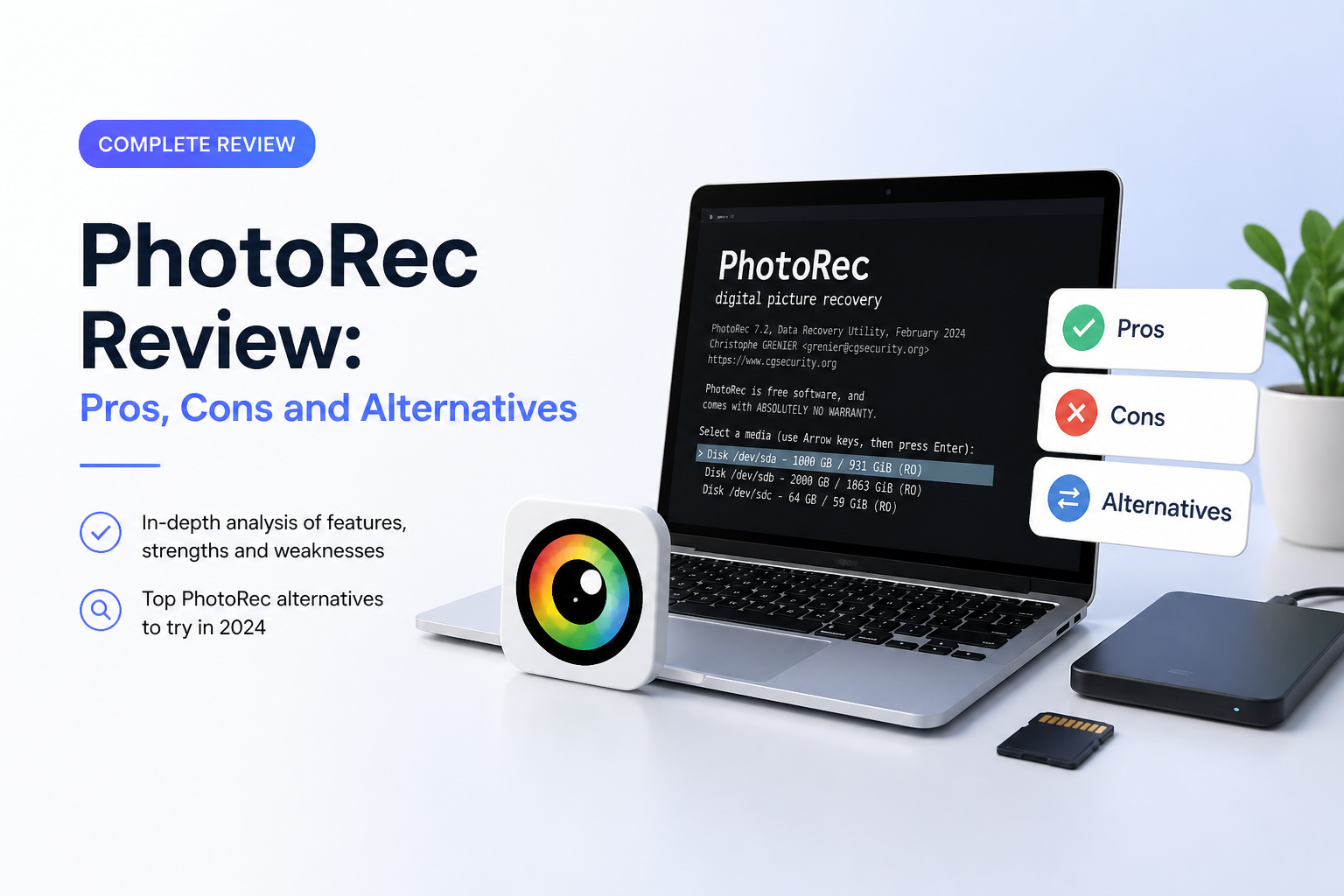
PhotoRec at a Glance
5.8/10PhotoRec is a free, open-source file-carving utility bundled with TestDisk. It searches raw storage for known file signatures, even if the original file system is damaged.
Best forTechnical users recovering a modest number of intact photos from a damaged card with no available budget
- Signature-based file carving
- Support for 480-plus file extensions
- Windows, macOS, Linux, BSD, Solaris, plus DOS compatibility
- Read-only source-drive access
- QPhotoRec interface for Windows
- Completely free
- Works around damaged file systems
- Broad platform support
- Usually loses names plus folders
- Weak handling of fragmented files
- No useful preview-first workflow
How PhotoRec Was Tested Against Disk Drill
We compared PhotoRec with Disk Drill on a Windows 11 workstation using a 500 GB SSD image plus a 128 GB exFAT SD card. Test sets included JPEG, CR2, NEF, MP4, MOV, PDF, DOCX, ZIP, plus small database files. We checked deleted-file recovery, quick-formatted storage, a damaged partition, plus fragmented camera footage.
Scores considered usable files rather than every item reported as recovered. We also recorded scan time, preview tools, preserved names, folder reconstruction, setup friction, plus the work needed to sort the final output.
When PhotoRec Is the Wrong Recovery Tool
Avoid PhotoRec when the original folder tree matters, the drive contains thousands of mixed files, or you need large videos from a camera card. It is also a poor first move for physically failing storage that disconnects, clicks, stalls, or reports rapidly increasing bad sectors.
For an unstable device, make an image before repeated scans. If the lost material is irreplaceable business work, legal evidence, or the only copy of family media, shut the device down plus consult a recovery lab rather than experimenting with several utilities.
PhotoRec Recovery Review: How It Scored Across Five Criteria
| Category | Performance | Score |
|---|---|---|
| 01 Recovery Results | 6.4/10 | |
| 02 Result Organization | 3.5/10 | |
| 03 Recovery Workflow | 4.2/10 | |
| 04 File Format Coverage | 7.8/10 | |
| 05 What It Costs | 10.0/10 |
PhotoRec Recovery Performance, Workflow, Plus Limitations in Detail
01 Recovery Results
Fine for intact files, unreliable with fragmentation
6.4/10
Recovery Results
Fine for intact files, unreliable with fragmentation
PhotoRec ignores damaged file-system records, then searches raw storage for recognizable file signatures. That can rescue JPEGs, PDFs, archives, plus other common formats from a reformatted or RAW volume. Its official documentation lists more than 480 extensions across roughly 300 file families. (cgsecurity.org)
The problem appears once files are fragmented. PhotoRec’s own documentation says complete recovery is most likely when data is not fragmented. Large camera videos, databases, plus other files stored in separate pieces may come back incomplete or unplayable. (cgsecurity.org)
- Works even when the original file system is severely damaged
- Good support for common photos, documents, archives, plus RAW image formats
- Read-only access helps avoid altering the source drive
- Can scan disk-image files
- Fragmented video recovery is inconsistent
- Signature carving cannot restore every proprietary or unusual format
- Recovered quantity can look better than actual file usability
02 Result Organization
The recovered-file pile becomes its own project
3.5/10
Result Organization
The recovered-file pile becomes its own project
PhotoRec usually replaces original names with generic labels, then places recovered material into numbered folders. The original directory tree is not reconstructed. CGSecurity’s support forum confirms that PhotoRec cannot preserve filenames because it works beneath the file-system layer. (forum.cgsecurity.org)
That is manageable for 20 family pictures. It becomes painful with 10,000 mixed files from a large drive. There is no polished gallery for checking results, no useful recovery-chance indicator, plus no familiar folder tree to narrow the search.
- Recovered files are separated into output directories
- File extensions offer a basic way to sort results
- Suitable for small, single-format recovery jobs
- Original filenames are normally lost
- Folder structure is not rebuilt
- Large recoveries demand hours of manual review
03 Recovery Workflow
Too many chances for a nervous user to hesitate
4.2/10
Recovery Workflow
Too many chances for a nervous user to hesitate
The classic PhotoRec interface is controlled through a terminal-style menu. QPhotoRec gives Windows users a basic graphical front end, though it still lacks the previews, search tools, scan explanations, plus visual feedback found in mainstream recovery apps.
Disk selection is the uneasy part. Device names, partitions, file-system choices, plus recovery destinations are presented with little context. Choosing the source or destination incorrectly can waste time. Saving recovered data back onto the source volume can overwrite files that were still recoverable, a risk highlighted in PhotoRec’s official guidance. (cgsecurity.org)
- Portable package requires no traditional installation
- Keyboard interface works on low-resource systems
- Experienced users can limit selected file types
- Classic interface is intimidating for beginners
- No preview before files are written to the destination
- QPhotoRec is only a thin graphical layer over the same limited process
04 File Format Coverage
Broad signature support is PhotoRec’s strongest technical point
7.8/10
File Format Coverage
Broad signature support is PhotoRec’s strongest technical point
PhotoRec recognizes a wide mix of JPEG, ZIP, Office, PDF, HTML, camera RAW, audio, plus video signatures. It runs on Windows, macOS, Linux, BSD, Solaris, plus older DOS systems. That unusual platform reach makes it useful for repair kits or Linux live environments. (cgsecurity.org)
Broad recognition does not mean complete reconstruction. A known header may let PhotoRec locate the start of a file, though missing end markers or fragmented blocks can still produce damaged output.
- More than 480 recognized extensions
- Runs on several modern or legacy operating systems
- Works with SD cards, USB drives, hard disks, plus disk images
- Does not depend on a healthy file system
- Recognition varies between formats
- Known signatures do not guarantee playable or complete files
05 What It Costs
No payment, license key, or recovery cap
10.0/10
What It Costs
No payment, license key, or recovery cap
PhotoRec costs $0. It is open-source software distributed under GPL v2+, with no file-size ceiling, trial lock, subscription, or paid recovery button. (cgsecurity.org)
The monetary value is excellent. The practical value depends on your time. Sorting generic filenames, checking damaged files, plus repeating poorly targeted scans can make a free recovery surprisingly expensive in lost hours.
- All recovery functions are free
- No account or activation required
- No limit on recovered data
- Source code is publicly available
- No commercial support desk
- The time spent organizing results can outweigh the $0 price
PhotoRec vs Disk Drill — Head to Head
Identical hardware, identical test scenarios. Here is how they compared.
| Metric | PhotoRec | Disk Drill |
|---|---|---|
| SSD recovery rate | 61% | 84% |
| SD card recovery | 74% | 93% |
| Quick scan time (500 GB) | No quick scan | 6 min |
| Deep scan time (500 GB) | 86 min | 71 min |
| Free recovery limit | Unlimited, no preview | 100 MB on Windows plus previews |
| License model | Free GPL | One-time $149 |
| Email support response | No direct support | ~14 hours |
| Overall score | 5.8 / 10 | 9.0 / 10 |
What to Use Instead
Disk Drill costs more than PhotoRec, though it saves time where it matters: finding the right files, checking them before recovery, then keeping useful metadata whenever possible.
01 Disk Drill
A clearer route from damaged storage to usable files
9.0/10
Disk Drill
A clearer route from damaged storage to usable files
Disk Drill is the better choice for most home users, photographers, plus small offices. It combines file-system scanning with signature recovery, so it can preserve names or folders when enough metadata survives. Previews, filters, recovery-chance estimates, plus scan-session saving make large recoveries much easier to manage.
Its byte-to-byte backup tool lets you create an image before scanning questionable media. Advanced Camera Recovery also targets fragmented footage from supported cameras, an area where PhotoRec’s basic carving method struggles. Disk Drill’s current license covers Windows plus macOS on up to three devices. (cleverfiles.com)
- Readable interface with previews plus search filters
- Can recover file-system metadata when it remains available
- Byte-to-byte disk imaging is included
- Advanced Camera Recovery targets fragmented media
- One license covers Windows plus macOS
- Large recoveries require a paid license
- The $149 lifetime option is expensive for one small accident

What PhotoRec Users Report After Real Recoveries
A PhotoRec user said the program recovered files, though the original names plus folder structure were gone, creating a second problem after recovery.
One user recovered NEF photos from an SD card on an M1 Mac after launching PhotoRec through Terminal so the card would appear.
A camera-card user reported that PhotoRec found current images rather than the deleted photo they wanted. A reply explained that camera formatting or an SD erase command may make deleted data impossible to recover.
A Disk Drill reviewer said PhotoRec produced unusable fragmented videos, while Disk Drill recovered the photos plus playable camera footage from the same troubled SD card.
Should You Use PhotoRec for File Recovery?
PhotoRec deserves credit for being free, portable, plus capable of pulling intact files from severely damaged file systems. We still do not recommend it as the first recovery tool for most people because it drops useful metadata, offers poor result management, plus struggles with fragmented data.
Keep it as a no-cost fallback if you are comfortable with technical menus. For an important SD card, mixed-file drive, or camera-video recovery, start with Disk Drill so you can preview results, protect the source with an image, then recover through a more controlled workflow.
Stop using the affected storage immediately, create a byte-to-byte image if the device is unstable, then confirm several full previews before paying for any recovery app.